Account
Your Chevereto Cloud account is the central authority for your infrastructure.
Manage Settings
Go to Settings to update your name, company, time zone, country, and email.
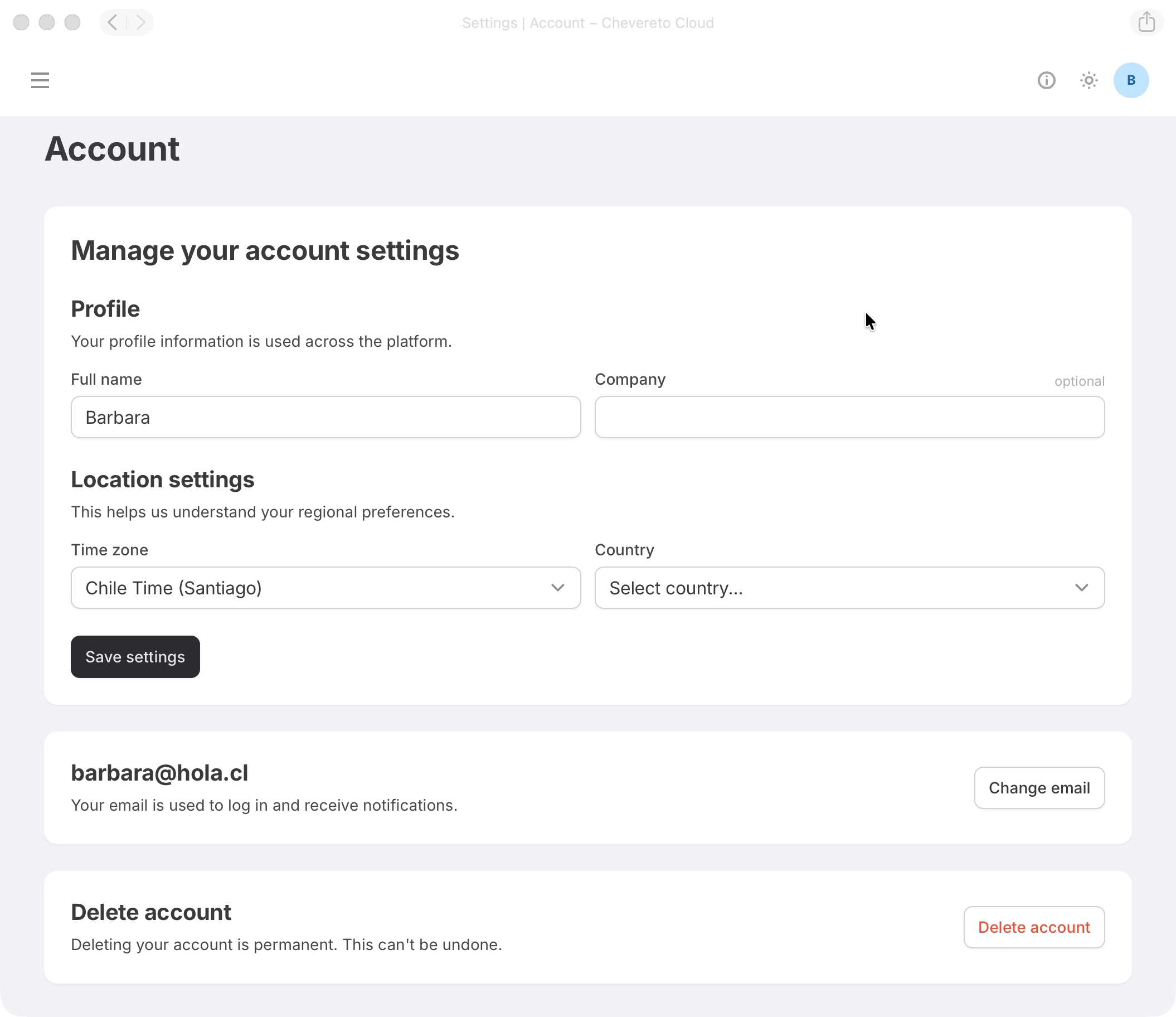
Deleting your account
Account deletion is final and irreversible. Go to Settings to delete your account and make sure you have backed up any important data first.
- Any active App subscription must be deleted before account deletion is allowed.
- All account data stored in Chevereto Cloud will be permanently removed, except for data required for legal and/or regulatory purposes.
Password
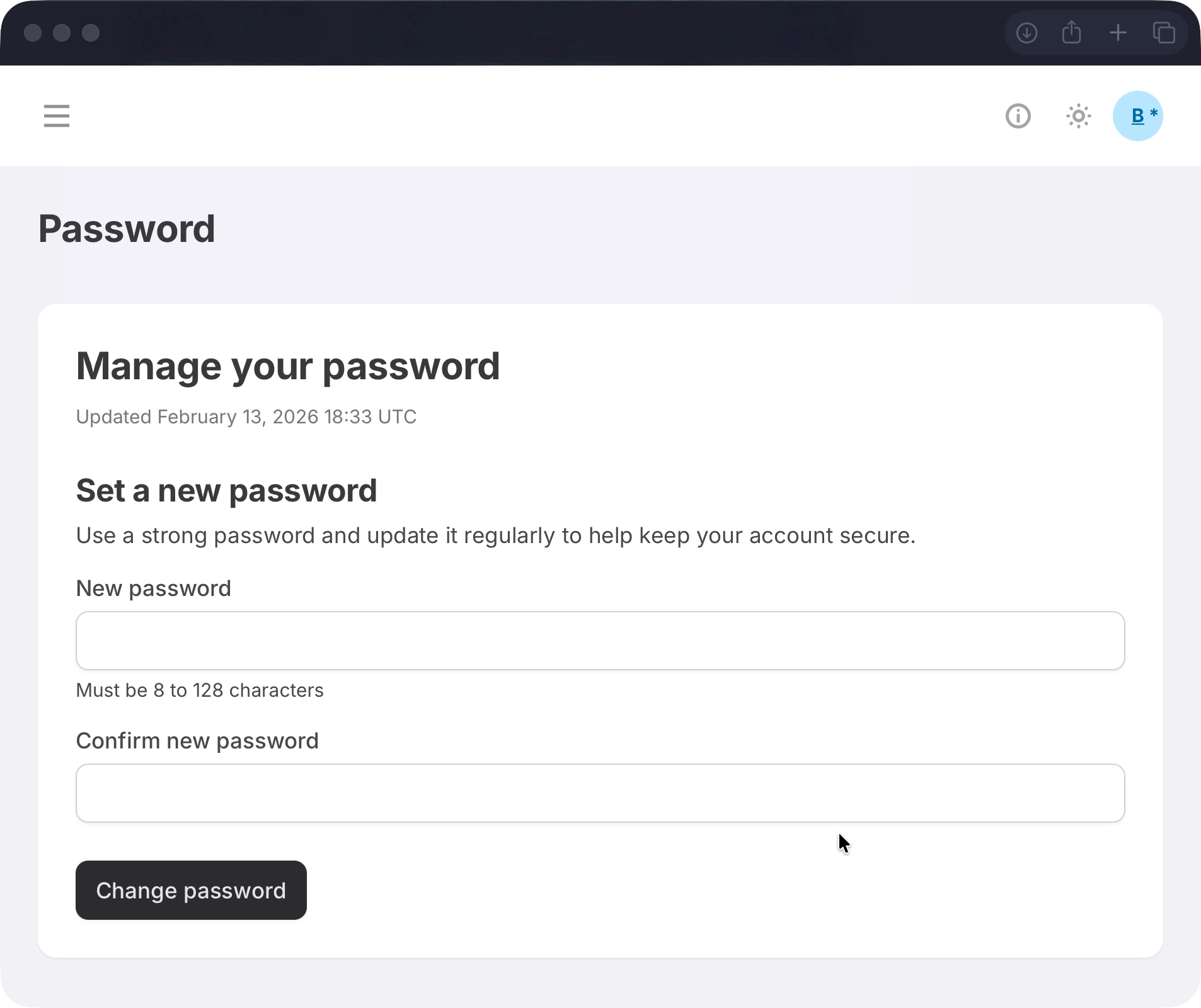
Use a strong password and update it regularly to keep your account secure. Go to Password settings to update it.
Security
Add an extra layer of protection to your account with two-factor authentication (2FA).
Go to Security to secure your account.
Passkey
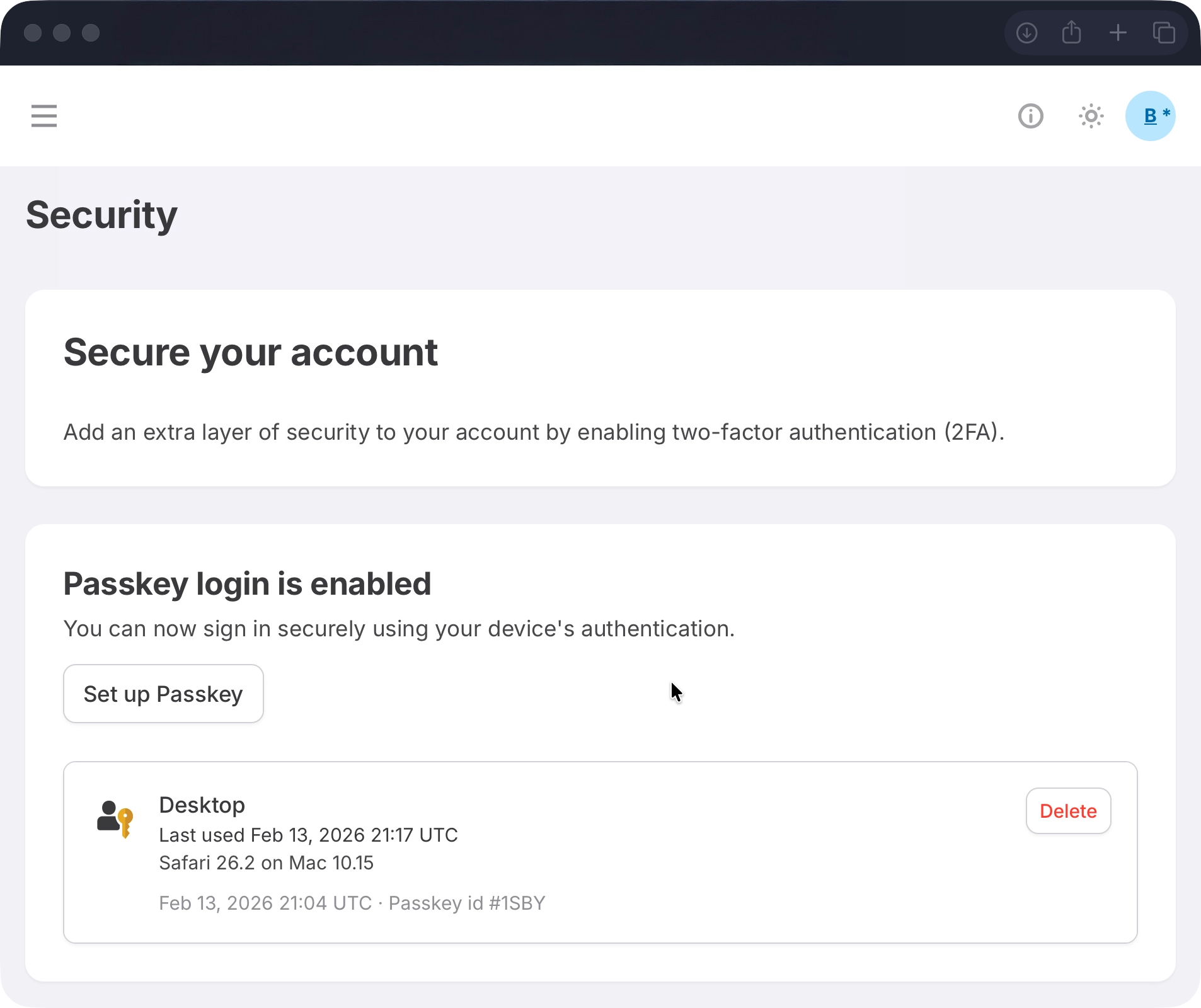
Passkeys let you sign in using your device's built-in authentication (face, fingerprint, or hardware key) instead of a password. Each registered passkey is listed with its device name, last used date, and browser details.
- Click Set up Passkey and follow the on-screen steps to register a new passkey.
- Click Delete next to a passkey to remove it.
Authenticator app
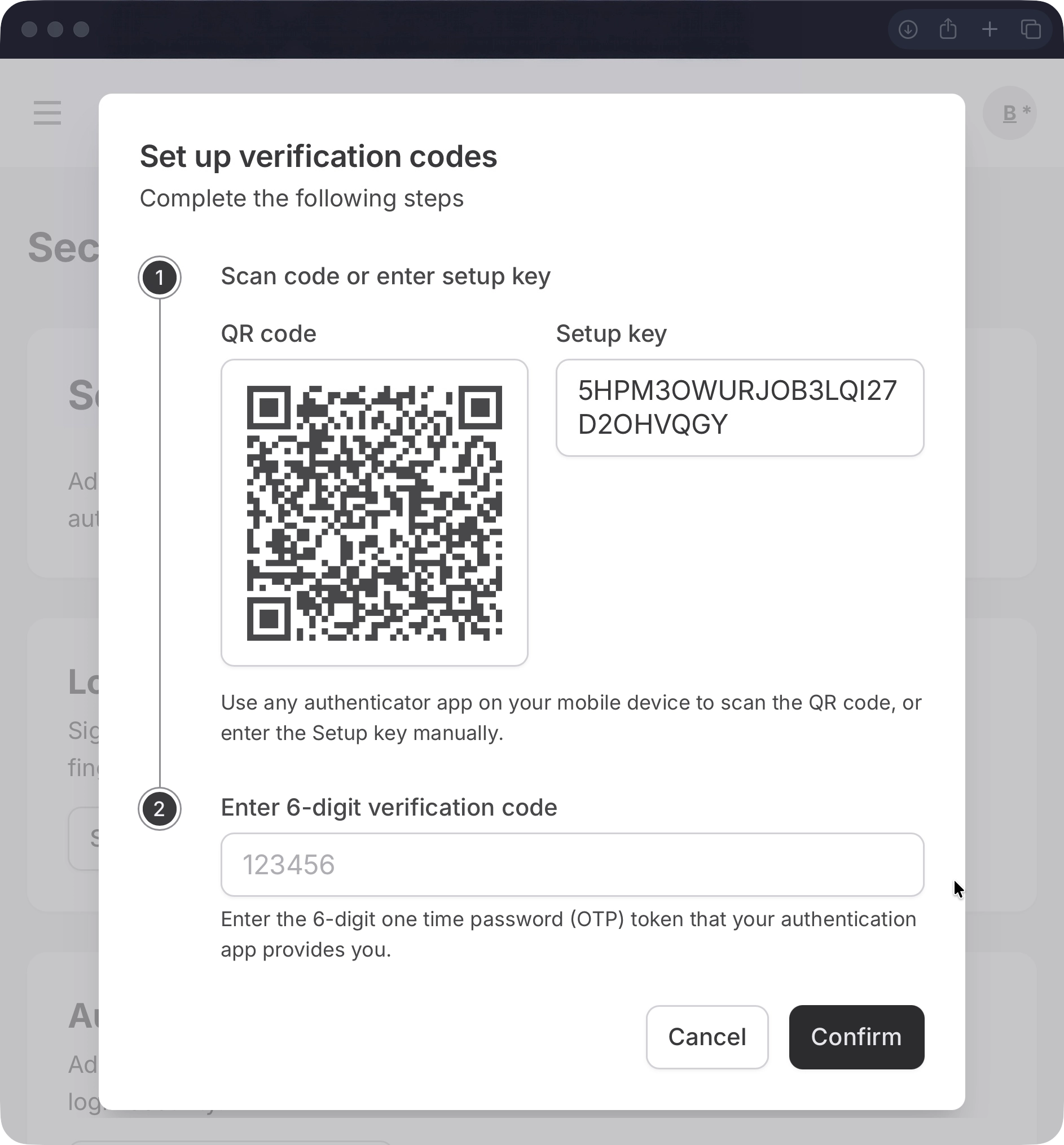
Adds a time-based one-time code (TOTP) step to your login using any authenticator app (Google Authenticator, Authy, etc.).
- Click Set up Authenticator app and scan the QR code with your authenticator app.
- Enter the 6-digit code to confirm and enable it.
Backup codes
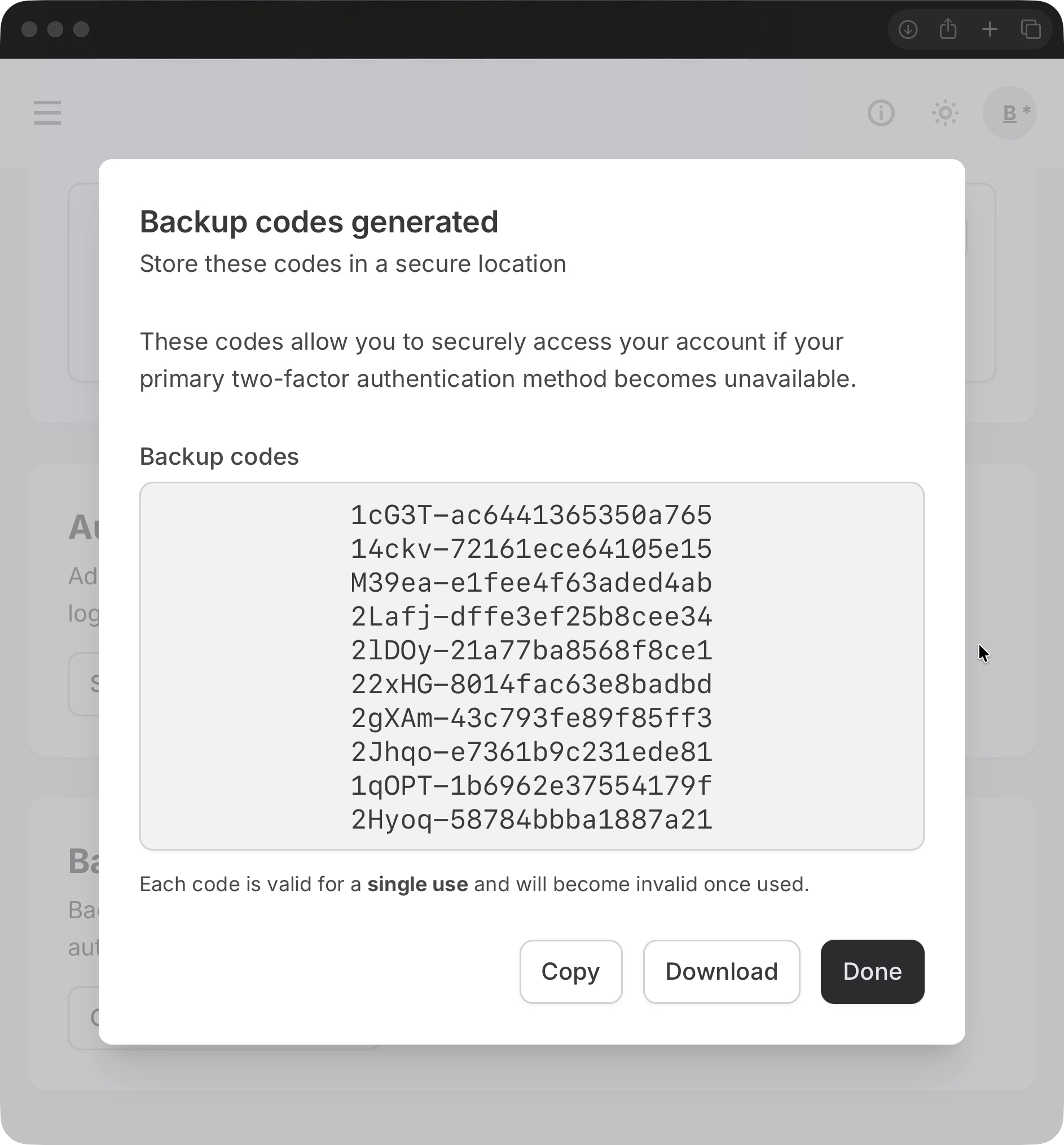
Backup codes let you sign in if you lose access to your passkey or authenticator app. Each code can only be used once.
- Click Generate backup codes to create a new set of codes.
- Store them somewhere safe, through secure means.
Sessions
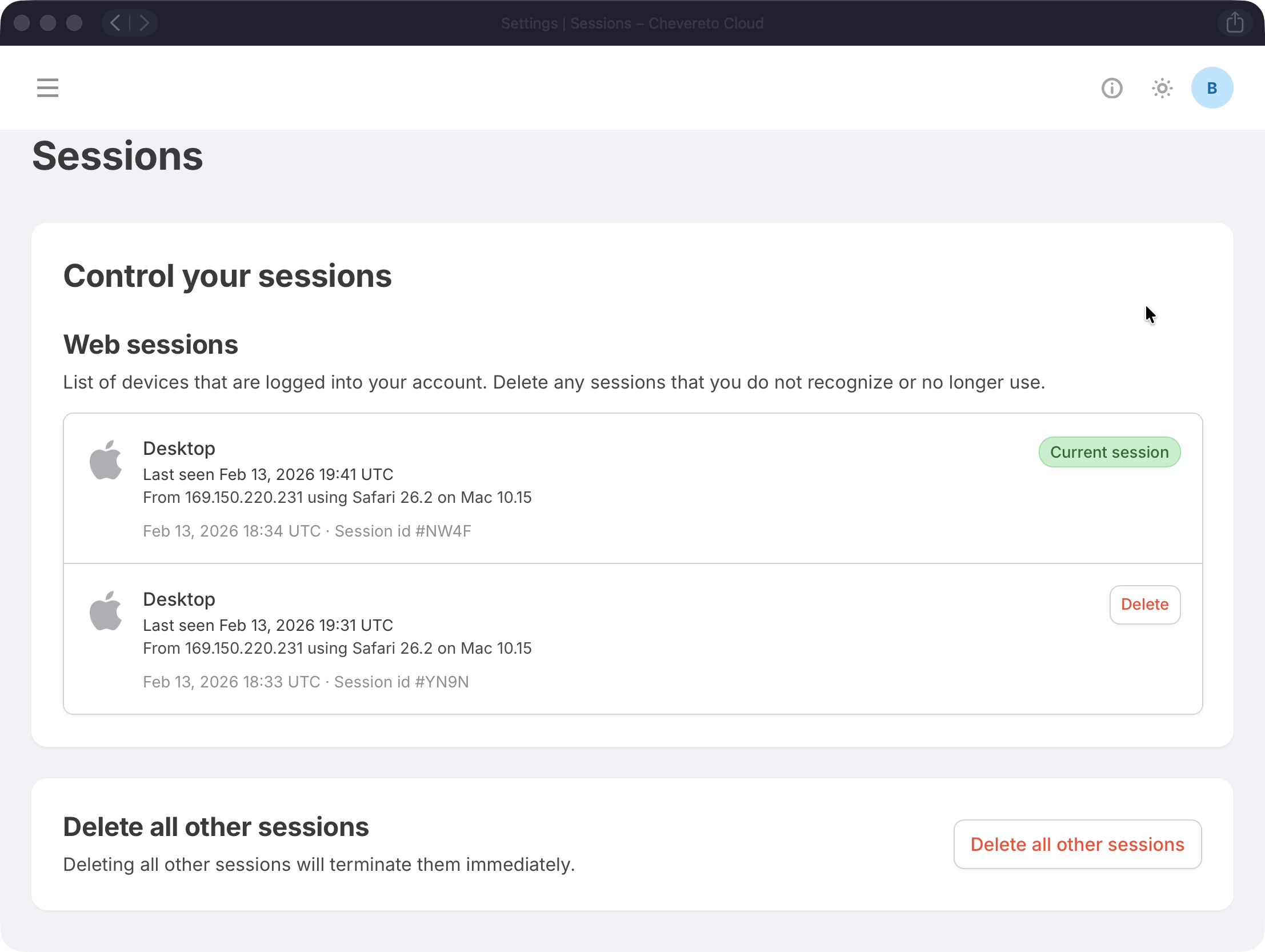
Go to Sessions to see every device currently logged into your account and revoke access where needed.
Web sessions
Each session shows the device, last seen date, IP address, and browser. Your current session is marked Current session. Click Delete next to any other session to sign it out immediately.
Delete all other sessions
Click Delete all other sessions to sign out every session except the current one. This takes effect immediately.