Documentation
Application
Chevereto Cloud requires an Email provider to handle transactional emails, such as user registrations, password resets, and system notifications.
Configuring Email
To set up email delivery, you must provide your Email provider credentials within the application dashboard:
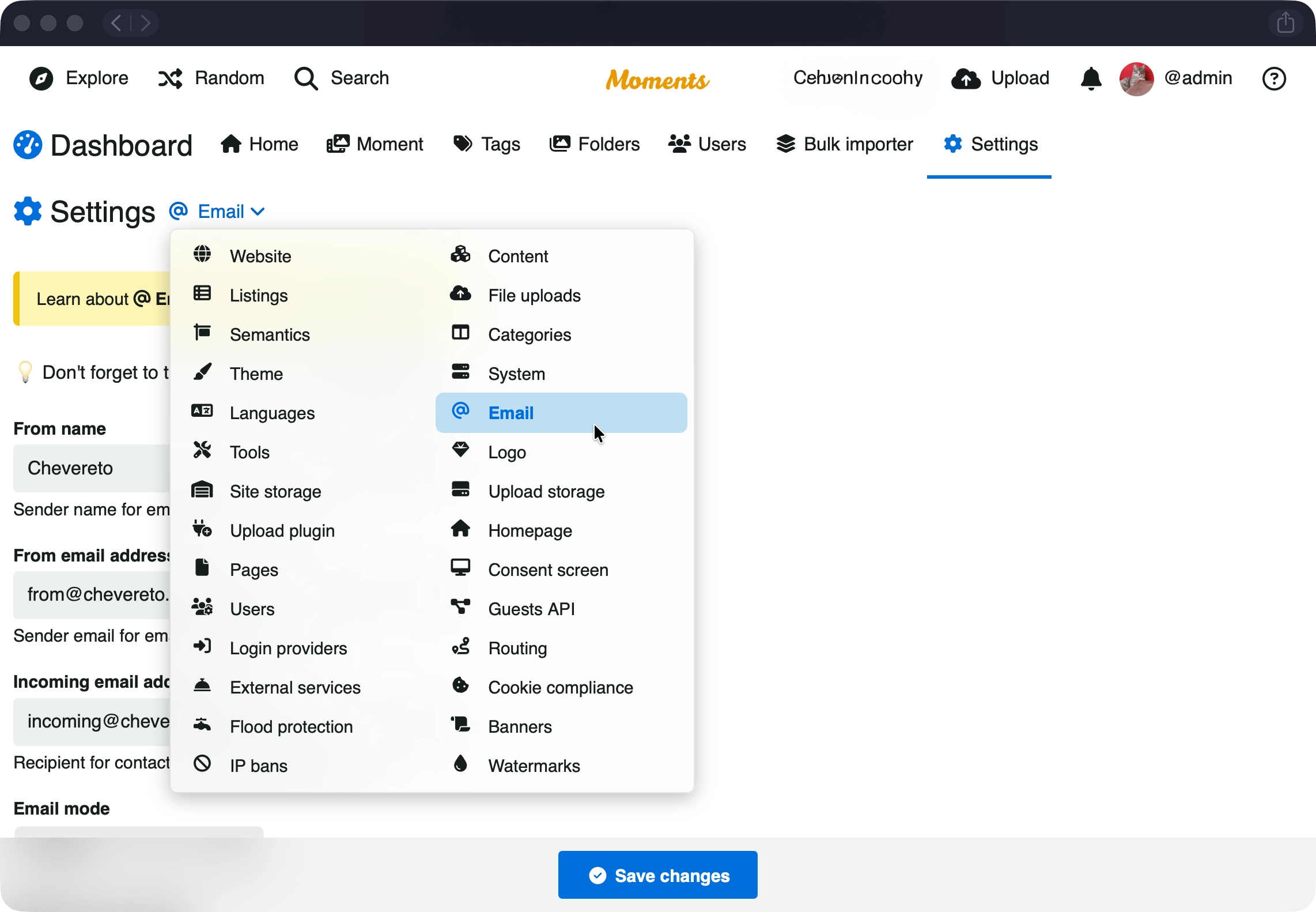
- Open your application menu and select Dashboard.
- From there, click on Settings, then Email.
- Enter your provider's details (API Key, Token, etc.).
- Save changes
Supported Providers
Chevereto supports a wide range of transactional email providers:
- AhaSend
- Amazon SES
- Azure
- Brevo
- Infobip
- MailerSend
- Mailgun
- Mailjet
- Mailomat
- MailPace
- Mailtrap
- Mandrill
- Microsoft Graph
- Postal
- Postmark
- Resend
- Scaleway
- SendGrid
- Sweego
Testing Delivery
Once configured, you should verify that the connection is working correctly:
- In your application Dashboard, go to Settings.
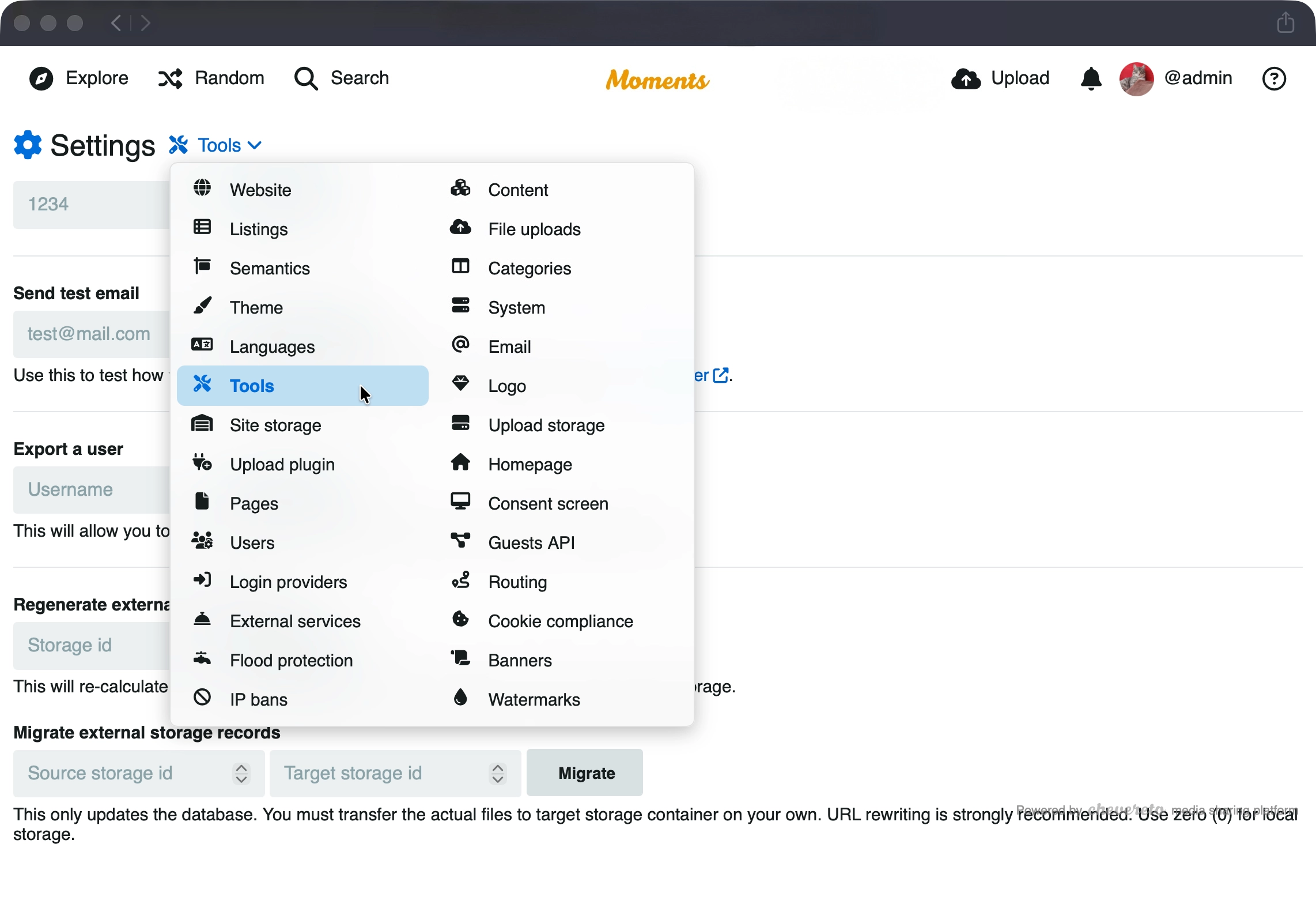
- Select Tools.
- Use the email testing utility to send a sample message.